
Ollama CLI Commands (2026): List, Run, Stop & Remove Models
So, you’ve installed Ollama. You’ve probably downloaded Llama 3, maybe dabbled with DeepSeek, and heard the hype about the new Gemma 3.
But now you have a problem.
Your hard drive is screaming for mercy (these models are massive), and you can’t remember which version of Mistral you actually installed. You need to take control of your local AI environment.
While most tutorials stop at ollama run, this guide dives into the essential management commands every developer needs to know. We’ll cover how to list your inventory, delete unused models to reclaim gigabytes of space, and customize your setup.
1. The Basics: Running & Pulling Models
You likely know this, but it’s worth a quick refresher. The core of Ollama is the run command.
Running a Model
To start a chat session with a model, use:
ollama run llama3
Pro Tip: If you don’t have the model installed, ollama run will automatically download (pull) it for you.
Pulling Without Running
If you want to download a model (like the new Gemma 3) to prep it for later use—perhaps while you’re on a slow connection—use pull. This downloads the weights but doesn't drop you into a chat prompt.
ollama pull gemma3
2. Managing Your Library (The "Must-Know" Commands)
This is where beginners get stuck. Once you've downloaded 10 different models, how do you see what's there?
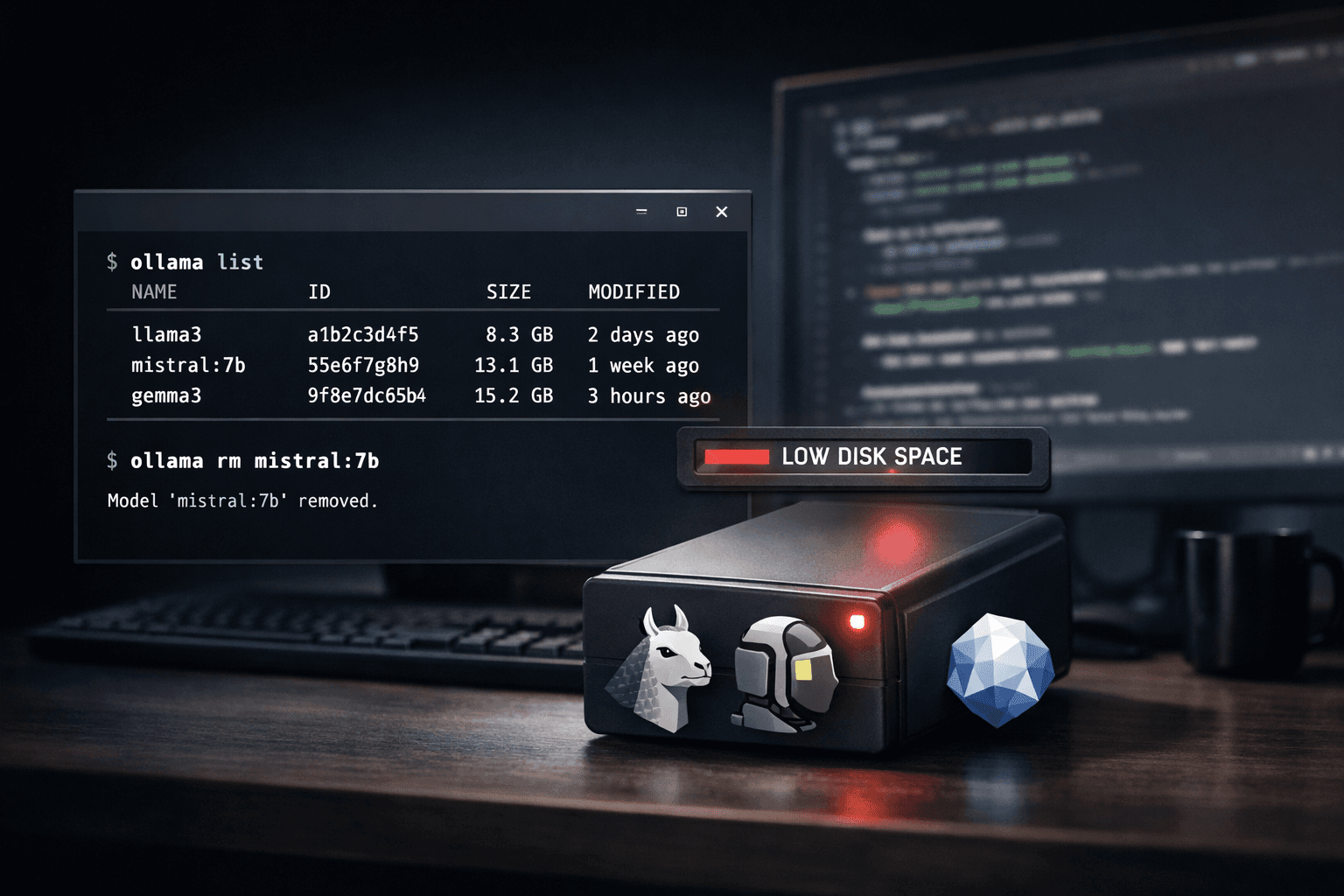
How to List Installed Models
To see every model currently taking up space on your drive, run:
ollama list
Why this matters:
-
NAME: The exact tag you need to run the model.
-
SIZE: Crucial for disk management. You’ll often see old 70GB models you forgot about.
-
ID: The unique hash for that specific model version.
How to Remove Models (Free Up Space)
Data shows that ollama remove model is a breakout search topic right now. It’s easy to see why—LLMs are huge.
To delete a model and permanently delete its files from your system:
ollama rm [model_name]
Example:
ollama rm mistral:7b
Warning: This action is immediate. There is no "recycle bin." If you delete a 40GB model, you will have to redownload it if you want it back.
3. Advanced Commands for Developers
If you are building apps or integrating Ollama into VS Code, these commands are your best friends.
Check What is Currently Running (ps)
If your computer feels slow, you might have a model loaded in VRAM even if you aren't chatting with it. Check active models with:
ollama ps
This tells you exactly which model is loaded into memory and how long until it offloads (usually 5 minutes by default).
The "Serve" Command
If you want to build a Python or Node.js app that talks to Ollama, you usually don't need to manually run ollama serve (the desktop app handles this). However, if you are setting up a headless Linux server or a Docker container, this is how you start the API:
ollama serve
This starts the API on localhost:11434.
Inspecting a Model File (show)
Want to know the "System Prompt" or parameters (like temperature) hidden inside a model? The show command reveals the Modelfile.
ollama show --modelfile llama3
4. The Ultimate Ollama Cheat Sheet
Bookmark this section. These are the commands you will use 99% of the time.
|
Goal |
Command |
Example |
|---|---|---|
|
Start Chatting |
|
|
|
Download Only |
|
|
|
See Installed Models |
|
|
|
Delete a Model |
|
|
|
See Running Processes |
|
|
|
Update Ollama |
(Linux) |
`curl -fsSL https://ollama.com/install.sh |
|
Duplicate a Model |
|
|
Conclusion
Managing local LLMs doesn't have to be a headache. By mastering list and rm, you can keep your development environment clean and ensure you always have space for the latest "breakout" models like Gemma 3 or DeepSeek.
Which model is your daily driver right now?
Related Resources
Updated Ollama CLI Resources
For a broader command reference, see the Ollama CLI commands cheat sheet. If models fail because of memory pressure, use the Ollama memory troubleshooting guide.